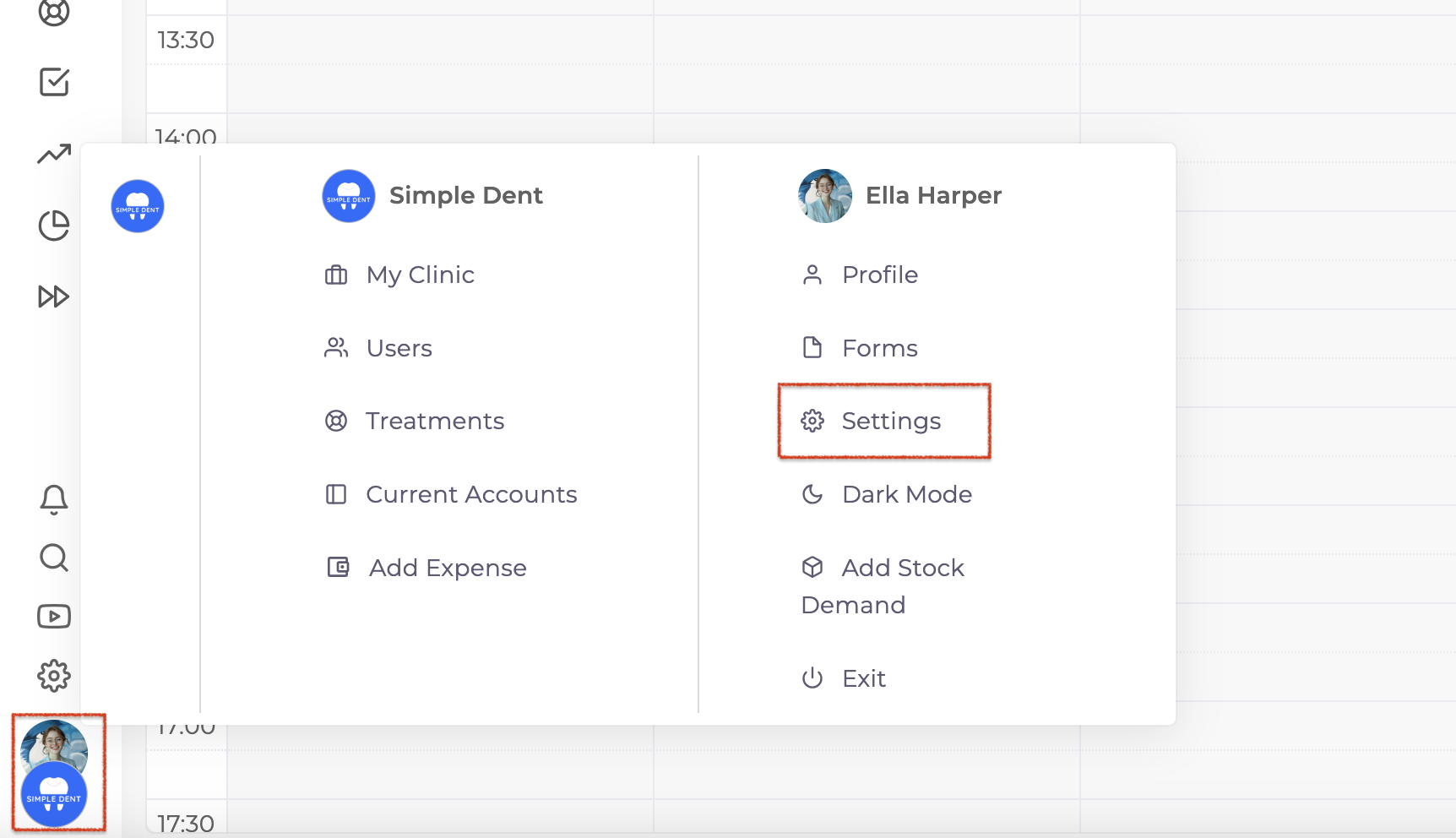
To ensure that notifications sent to doctors also reach their assistants, start by clicking on your clinic logo in the bottom left corner of the screen. From the panel that appears, select Settings.
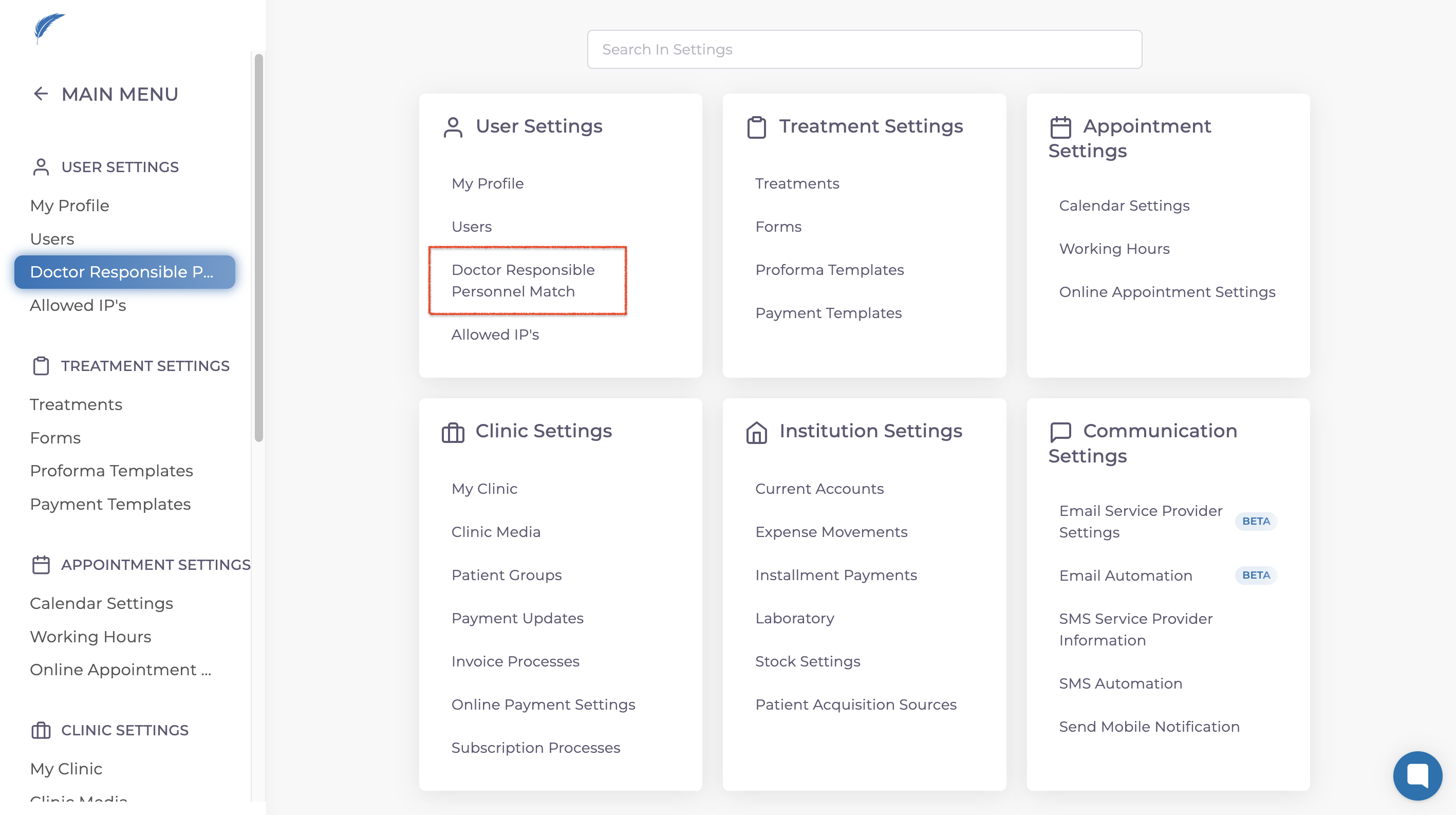
Within the settings menu, scroll down to the User Settings section located in the bottom right corner and click on Doctor-Responsible Personnel Match.
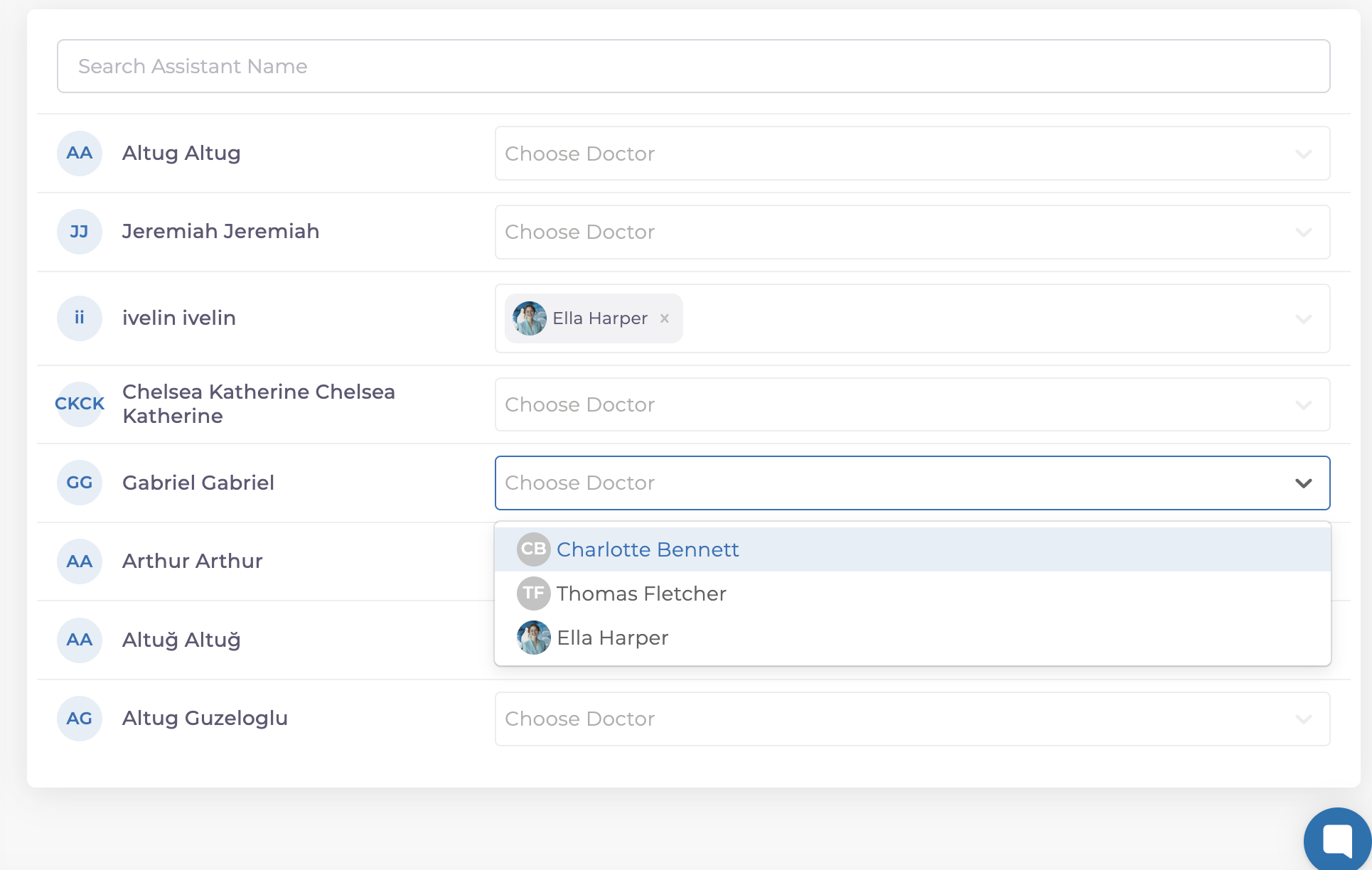
A new screen will display a list of registered assistants on the left. For each assistant, use the Choose Doctor option on the right to assign the relevant doctor.
After completing this setup, assistants will need to log out and back into their accounts once. This step activates the feature, allowing assistants to receive the same notifications as the assigned doctors automatically. This setup ensures better communication and collaboration within your clinic.
If you have further questions, feel free to reach out to us via the live chat button for detailed assistance.