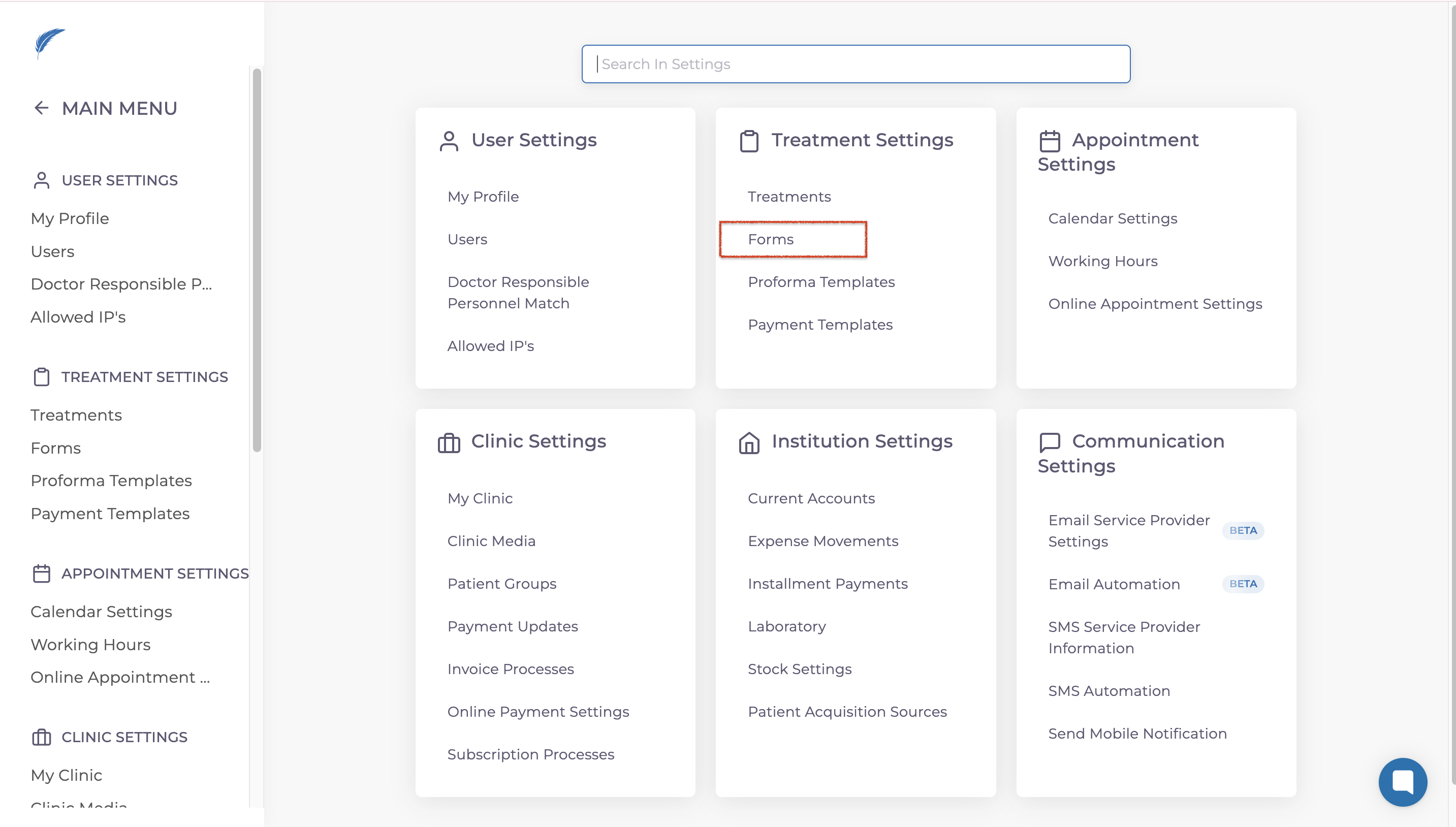
Go to the Settings screen and go to the Treatment Settings section. From there, select Forms.
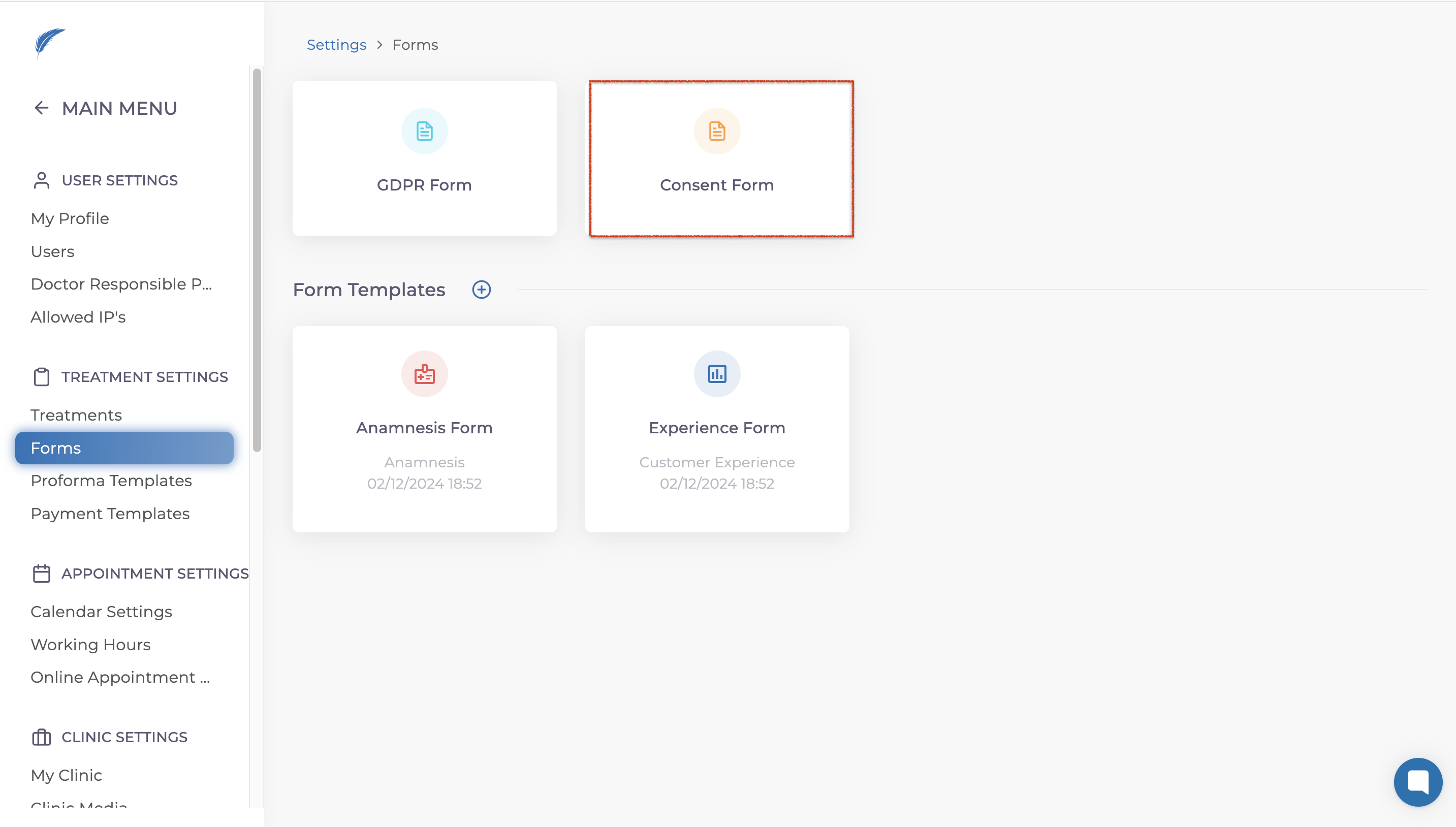
From the available options, click on Consent Form.
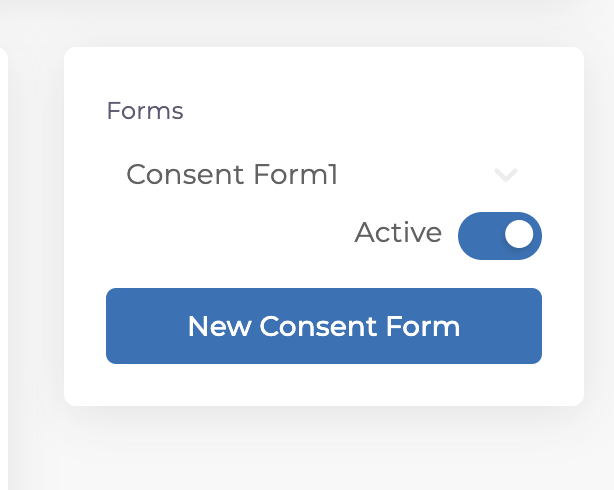
If you have already added consent forms, they will be listed here for easy access and management.
To create a new consent form, click on the New Consent Form button.
Now, you can fill in the necessary details for your consent form on the screen.
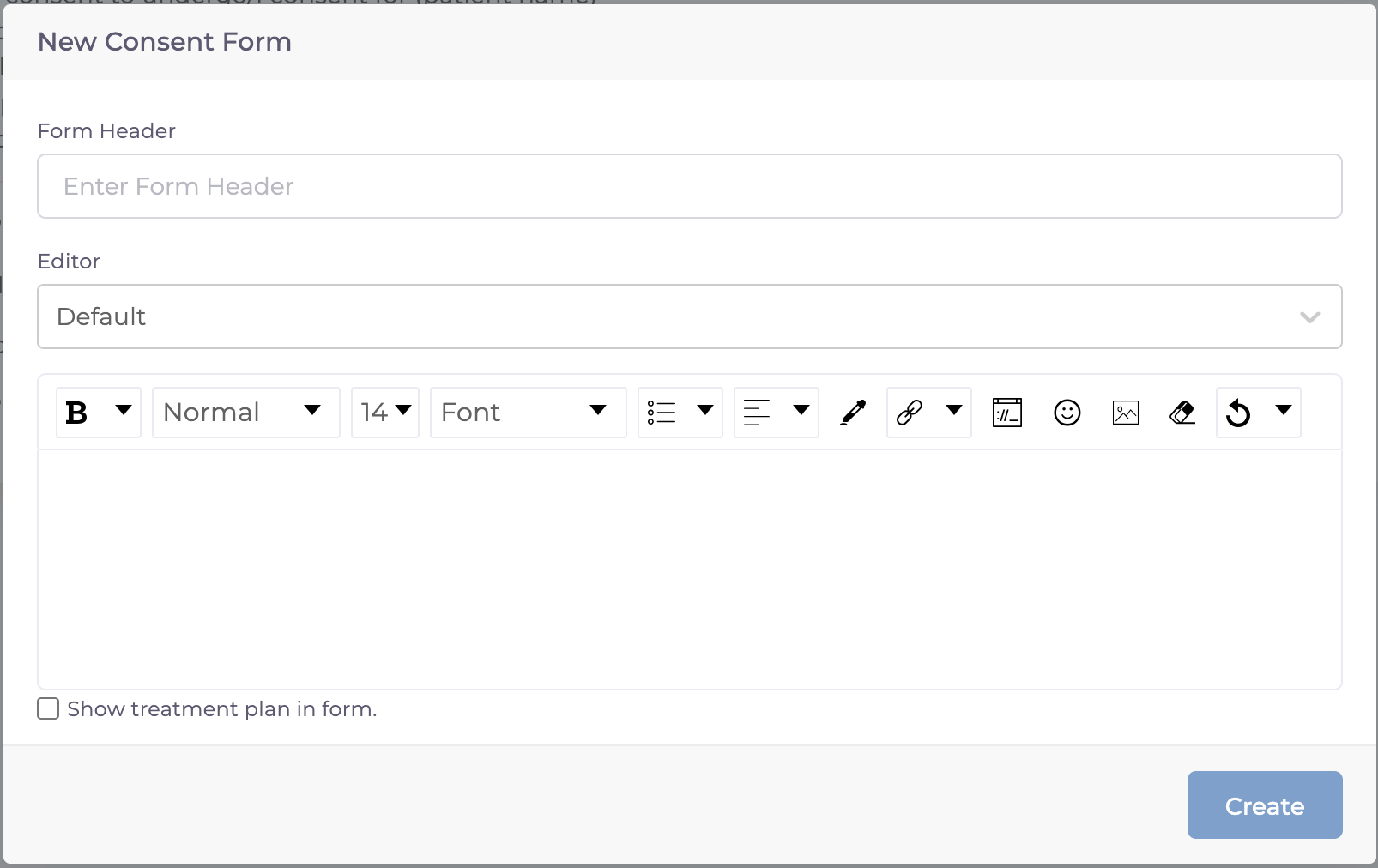
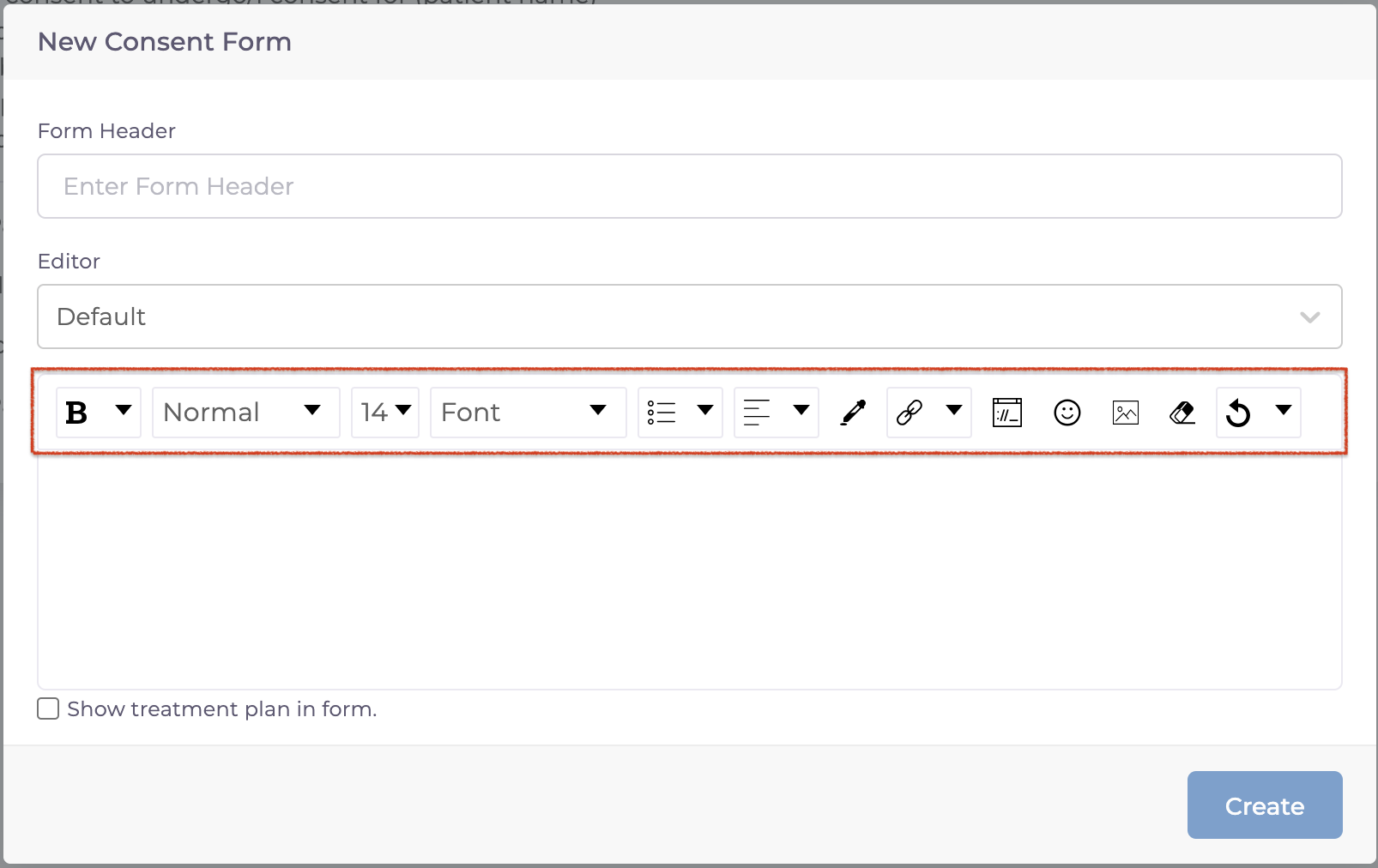
If you need to make adjustments to the text, use the toolbar to customize the font, boldness, size, and other formatting options.
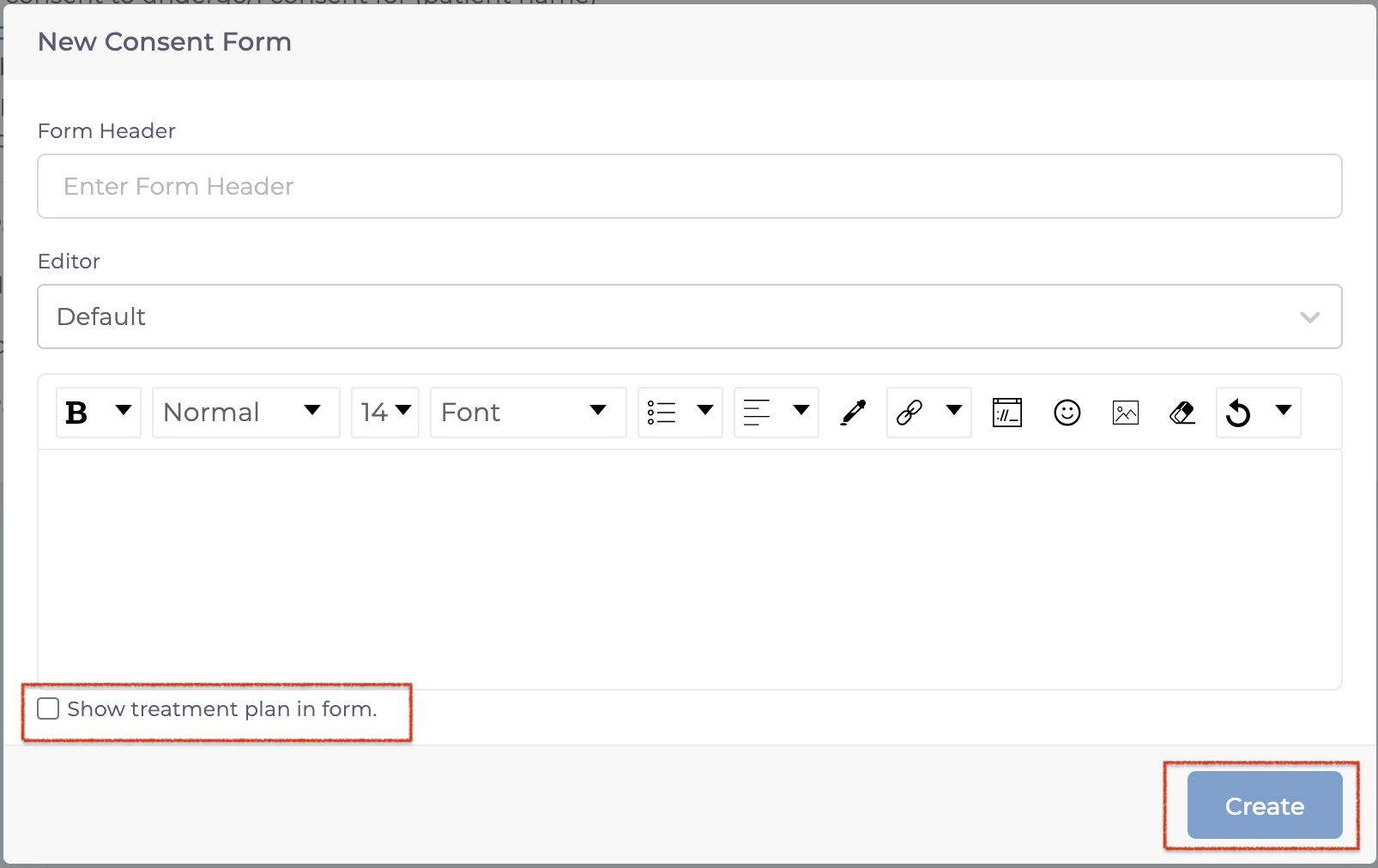
Here is an important point, if you only need a simple text-based consent form, proceed by clicking the Create button without making changes to the "Show Treatment Plan in Form" option.
If you want the form to include details about which treatments have been applied to specific teeth, enable the Show Treatment Plan in Form option before clicking Create. Once completed, your form will be saved.
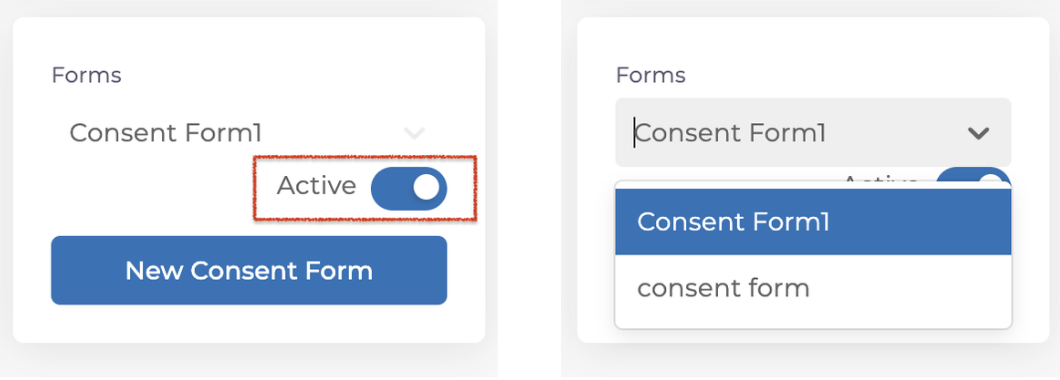
After creating your forms, you can manage them by selecting from the list shown on the below. Forms can be set as Active or Inactive depending on your needs.
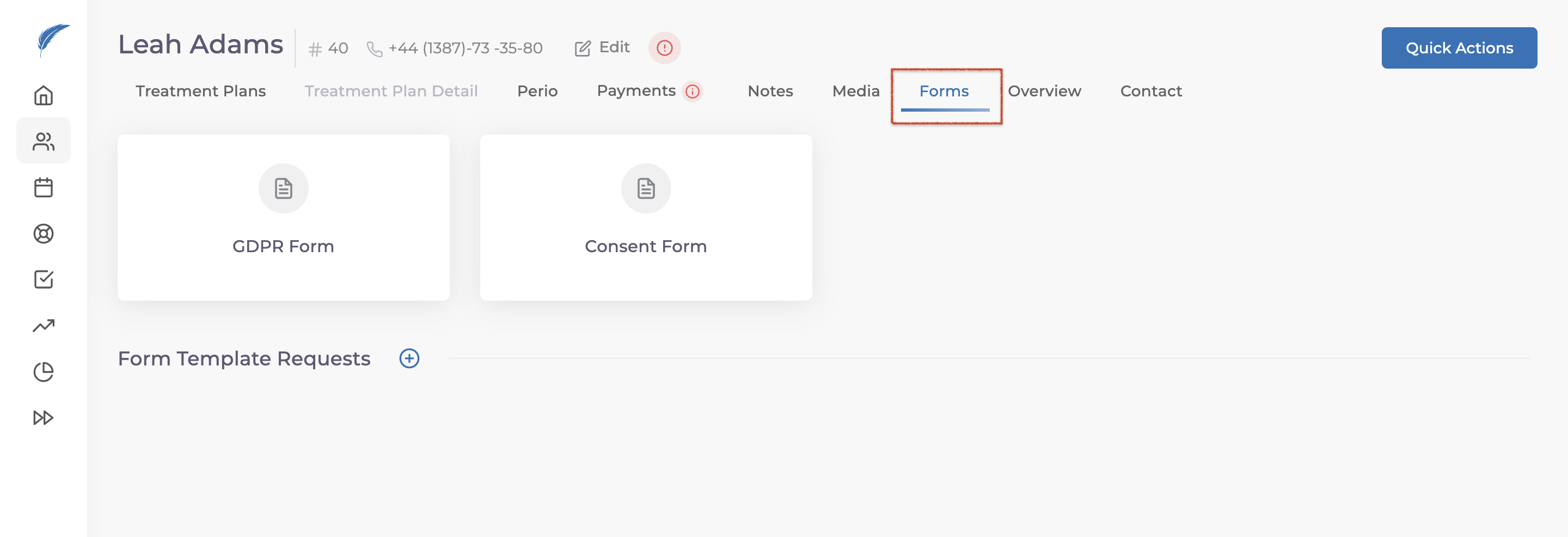
To use the consent form directly from the patient screen, go to the Forms section and select the desired form.
If you have further questions, feel free to reach out to us via the live chat button for detailed assistance.