To organize patient information, you first need to find the patient profile. To access the patient profile, click on the patients tab and type the patient's name in the “Search” field.
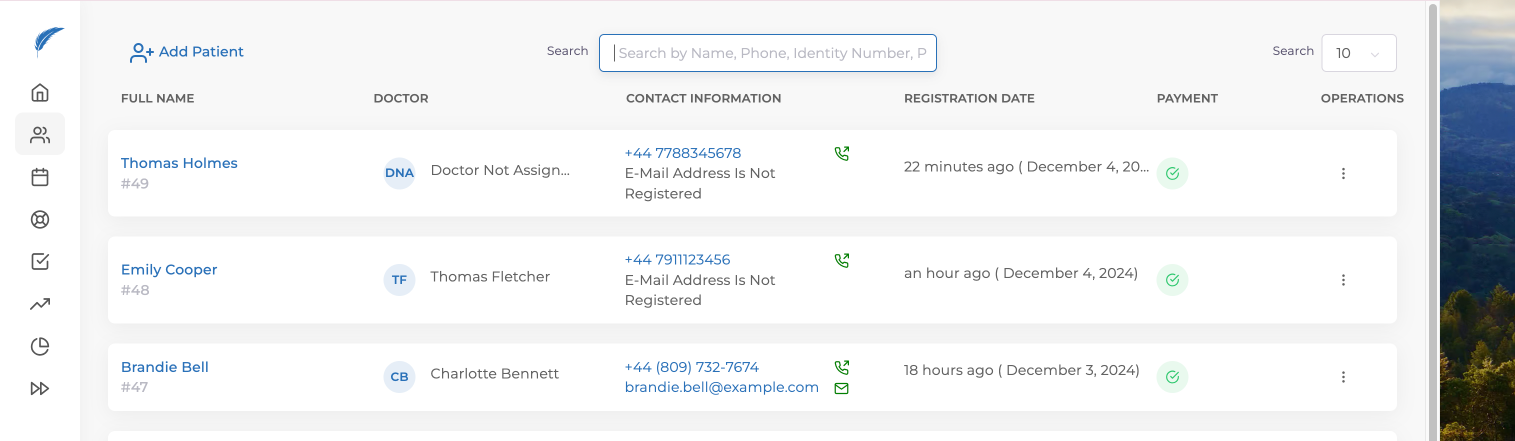
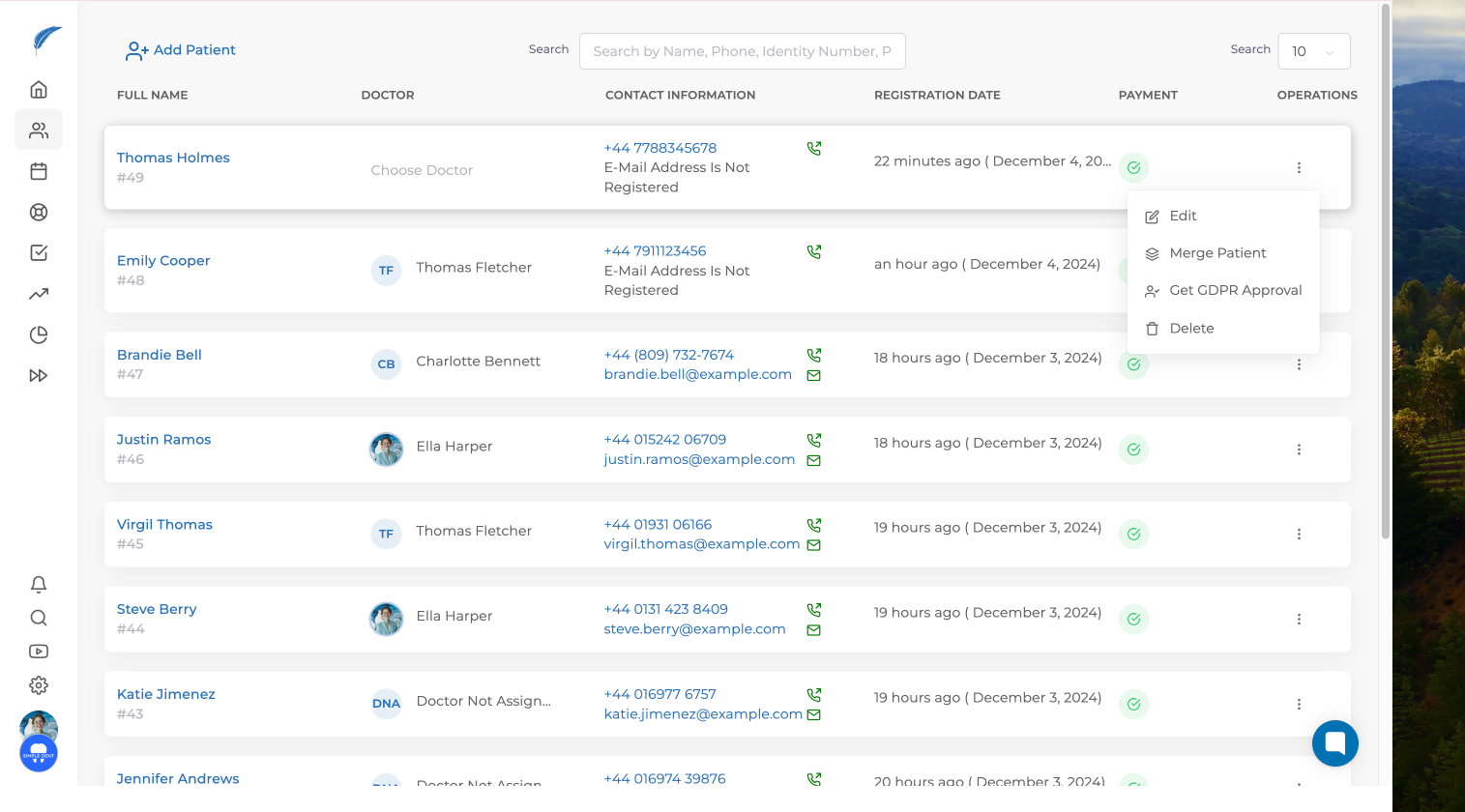
Before logging into the patient profile, when we click on the three dots in the action section next to the patient's name on the patient page, a small window will pop up. You can reach the editing window by clicking on edit in the opened window.
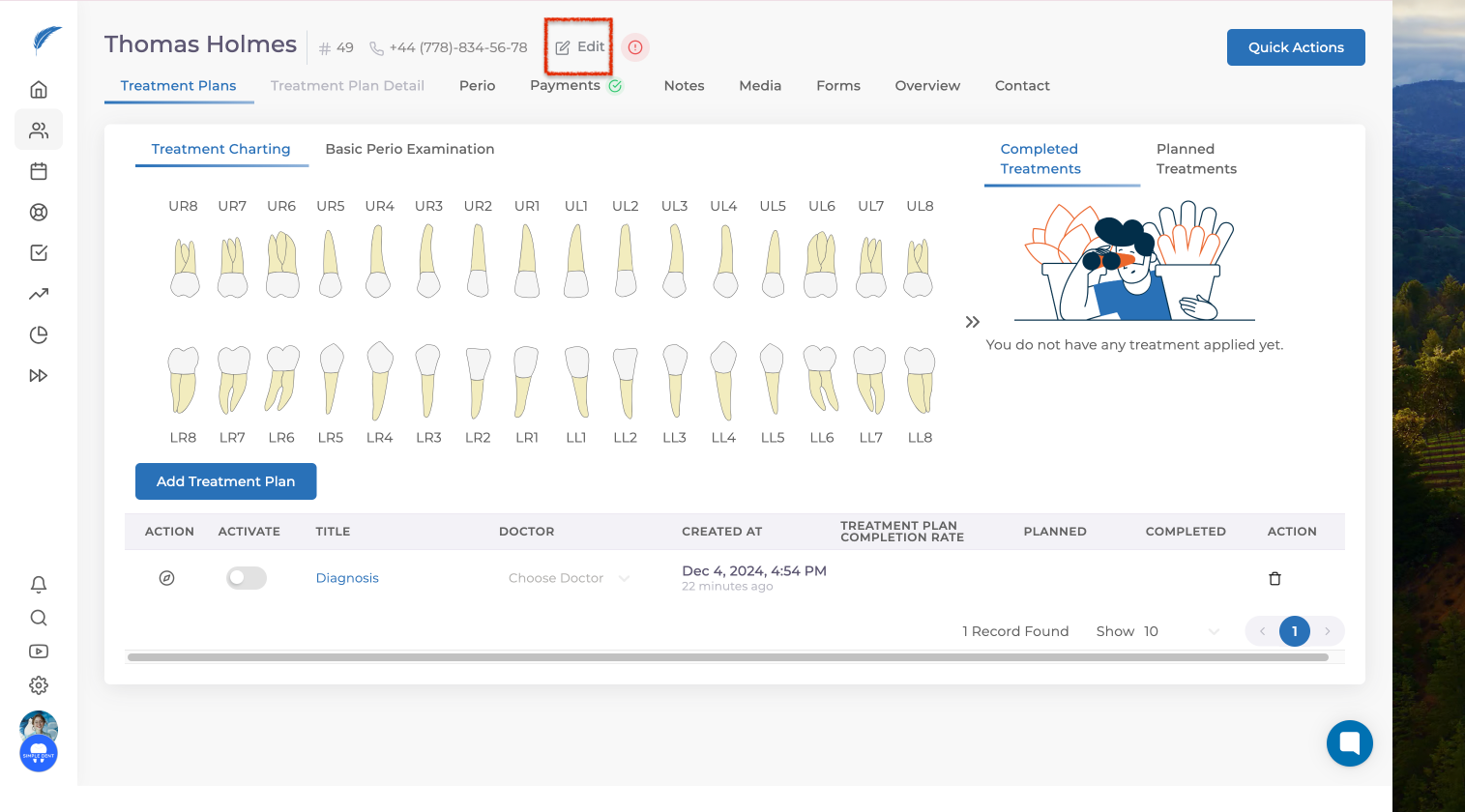
As a second option, once you reach the patient profile, click on the “Edit” button.
The patient information must be filled out in the opened window.
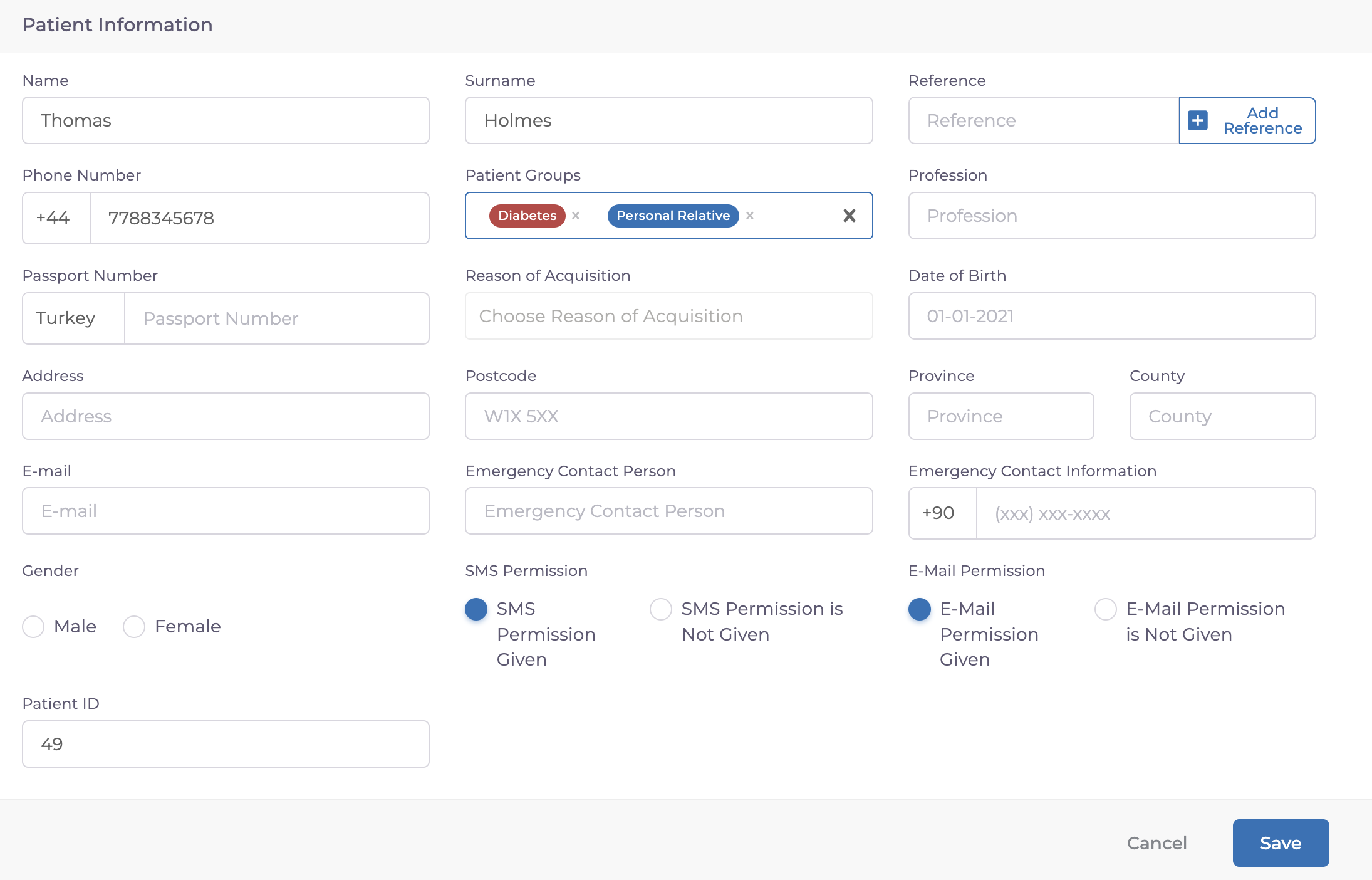
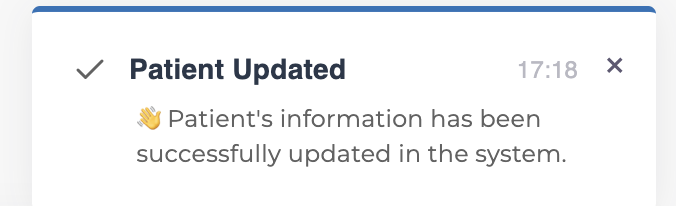
After filling in the information, click the "Save" button. Once the changes are saved, you will receive a notification like the one below confirming that your user information has been successfully updated.
You can check out the Patient Information collection for more details about patient data and profiles, as well as access other articles.
If your issue hasn't been resolved yet, you can reach out to our team using the live chat button in the bottom right corner of the screen.